Less juggling. More family time.
MLOK AI is the free family organizer that turns email chaos into a calm, shared family calendar for everyone who looks after your kids.
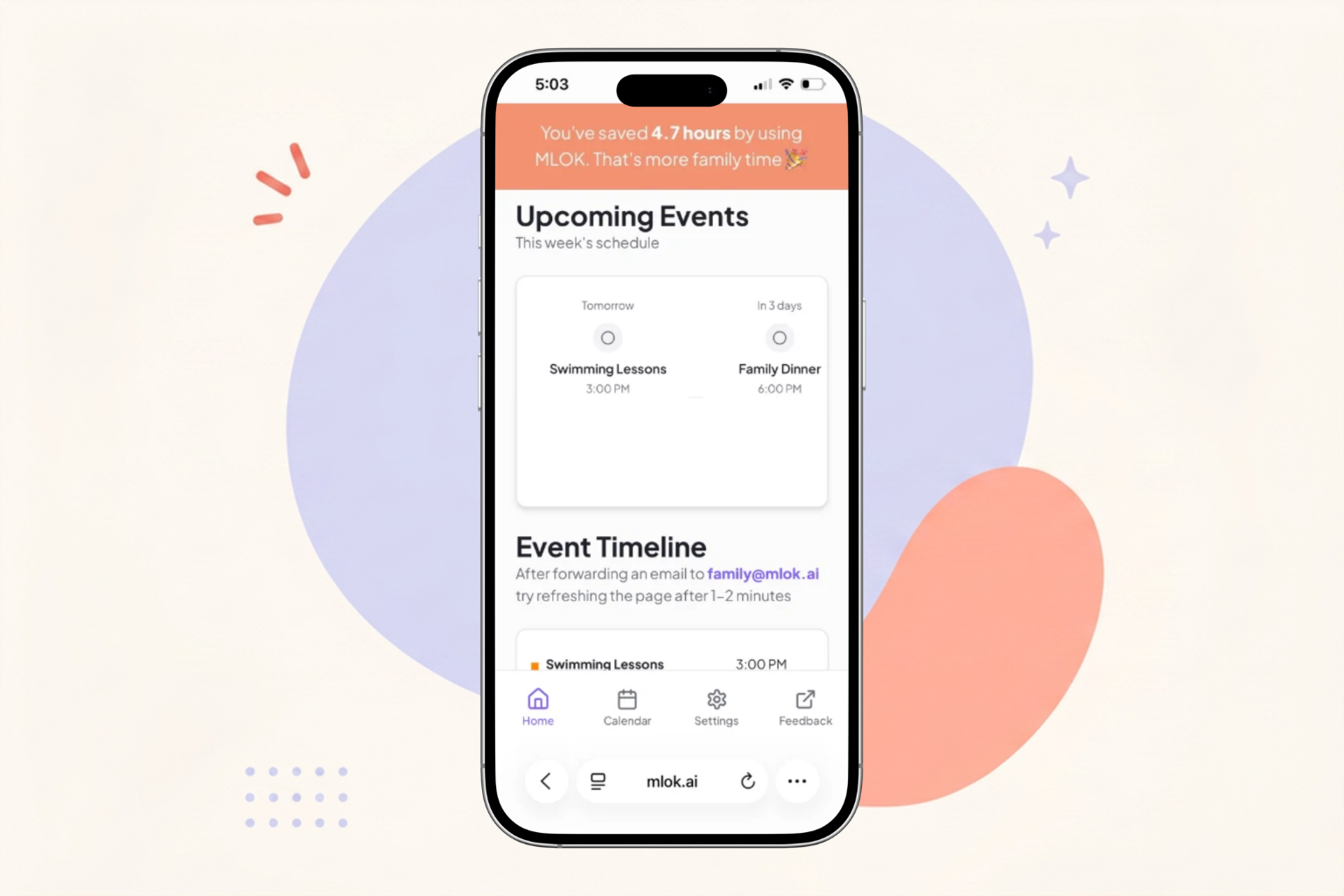
Forward emails to family@mlok.ai
Stop copy-pasting dates from school newsletters, camp confirmations, and birthday invites. Just forward — our AI reads the email, pdf, images, and turns it into a scheduled event for the right family member, so you can finally manage school events with everything you need to know.
- AI extracts dates, times, locations, and prep info
- Auto-assigned to the right child or parent in your shared family calendar
- Tells you what to bring, sign, or do — and when
A shared calendar for everyone who helps
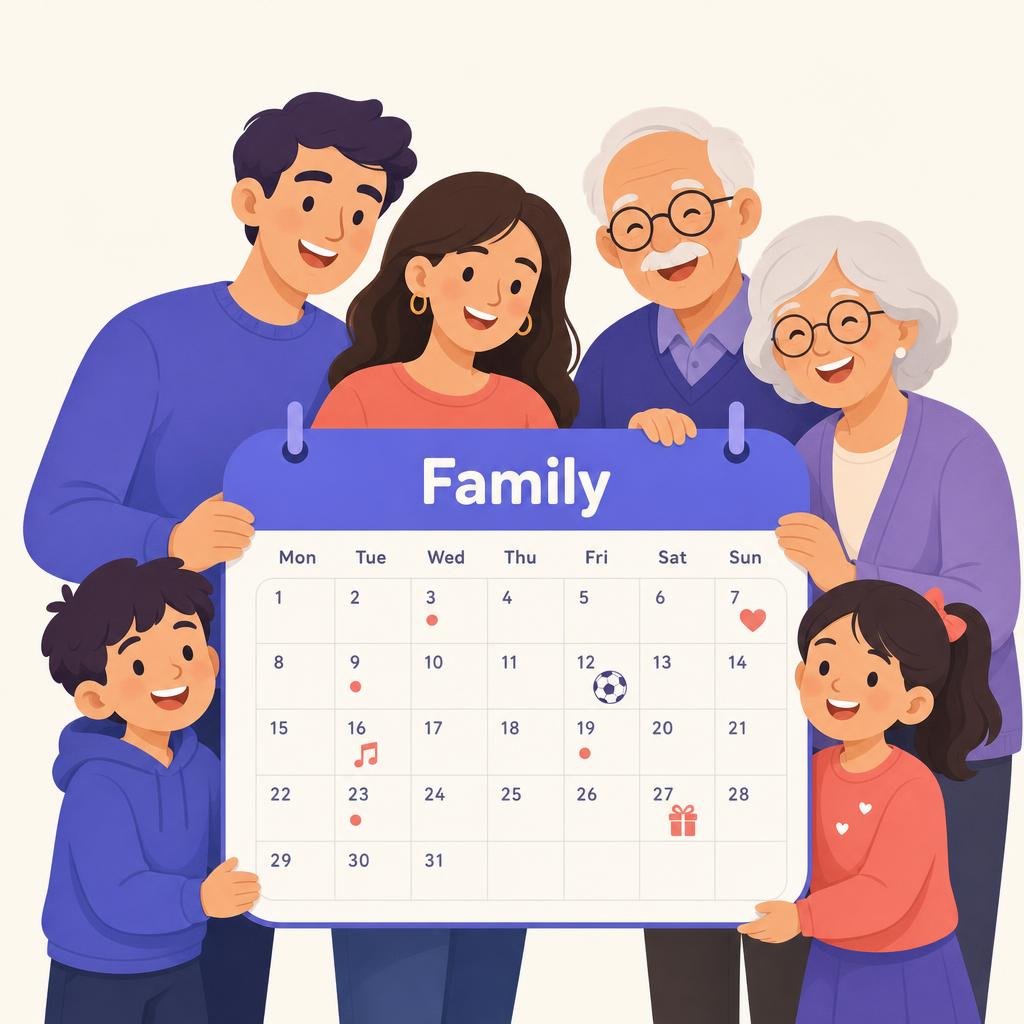
Parents, co-parents, grandparents, and caregivers - everyone stays in sync on what's happening.
- Add caregivers, co-parents, and grandparents to your shared calendar
- One shared calendar — no double-booking, no missed pickups
- Grandparent visiting? Add them temporarily so they're synced in - then remove access when the visit's over
Your data is yours. Always.
We don't store your emails. We don't sell your data. Your family's information is processed securely to create your events, and you stay in full control of what's kept and what's deleted.
- Emails are processed, not stored
- No data sold or shared with third parties
- You own your data — request to delete anytime
Up and running in under 10 minutes
Four short videos walk you through setting up MLOK AI for your family — from sign-up to a shared household calendar.
Set up your account
Two minutes to a calmer week
Create your MLOK AI account with email and password, or one tap with Google. Your data is private and encrypted from the start.
Forward emails, pictures & documents
Let AI do the reading
Forward any school newsletter, party invite, camp confirmation, or snap a photo of a paper flyer to family@mlok.ai. Our AI reads it and turns it into a ready-made family event.
Stay organized, sync your calendar
One shared view of everything
Connect your Google or Outlook calendar for two-way sync. Every AI-generated event lands on the shared family calendar so everyone knows what's happening — and who's covering it.
Invite other caregivers
Keep the whole team in sync
Add co-parents, nannies, and visiting grandparents to your Household. Anyone can forward emails, and everyone sees the same shared schedule — so pickups never slip through the cracks.
Everything you need to know about shared calendars
How MLOK AI keeps your whole household — parents, co-parents, and caregivers — on the same page.
A shared household calendar is a free family calendar that brings everyone's schedules; school events, appointments, activities, and caregiving duties, into one place. Instead of juggling separate calendars, your whole household sees the same up-to-date view, reducing the mental load of keeping track of it all.
Only the people you invite to your Household. You choose what each member can see and do, and you can remove anyone anytime. A grandparent visiting for the week? Add them temporarily, then revoke access when the visit is over — no leftover access, no shared passwords.
Send an invite from your Household settings. They create their own free MLOK AI account (email/password or Google), accept the invite, and instantly see the shared schedule. No technical setup — they just open the app or the synced calendar on their phone.
Yes. Any household member can forward emails to family@mlok.ai or manually create an event, and the AI turns them into events on the shared calendar, as long as their role allows creating events. When you invite a nanny or co-parent, you choose their role: Member if you want them to create and modify events (like adding a pickup change), or Guest if you want them to only view the calendar without making changes. Owners and Admins can invite people and assign these roles, and can update a member's permissions at any time.
Yes — MLOK AI syncs with Google Calendar and Outlook. AI-generated events appear on your existing calendar, and changes you make into MLOK AI flow back. Everyone in the Household stays in sync without copying events by hand.
No. Emails are processed to create your events — not stored. We never sell your data or share it with third parties. Your family's information stays under your control, and you can request deletion of your data anytime.
Yes, MLOK AI is free for families. Create your account, forward your emails, invite your caregivers, and share your calendar — all at no cost.
Your household calendar, events, and personal data are removed. You own your data — request full deletion and we'll wipe it from our systems.